Windows Server 2016 RDS – 50 User CALs Certificate

... les gens regardent ça en ce moment
WHAT IS WINDOWS SERVER 2016 REMOTE DESKTOP SERVICES ? Windows Server 2016 RDS CAL is part of the flexible licensing system for Windows Server 2016. It will give customers the opportunity to leverage fantastic enhancements that make it the optimal version of RDS, to date, with several areas of innovation to improve the administrative and client experiences. This Version ” RDS 2016″ brought innovation centered around three areas: Simplify IT management, User experience, and Improved security. What is Remote Desktop Services? RDS, short for “remote desktop services,” refers to the feature that lets users utilize Windows programs and visual desktops remotely. Using the proper client access licenses, desktop networks may be managed centrally (CALs). Additionally, the 2016 device licenses may be combined with any possible Windows Server 2012 Core licenses that are already in existence. This offers an organization’s IT department more time to upgrade to the most recent server operating system. Future updates will be installed faster thanks to the “Express Updates” capability. Do I need a Client Access License? Each user and device that connects to a Remote Desktop Session host need a client access license (CAL). Installing, issuing, and tracking RDS CALs all require an RDS licensing server. The RD Session Host server decides if an RDS CAL is required when a user or device connects to it. THE DIFFERENCE BETWEEN USER CAL AND DEVICE CAL License your deployments with Device or User Client Access Licenses Each user or device accessing a licensed Windows Server requires a Windows Server CAL or a Windows Server and a Remote Desktop Services (RDS) CAL. REMOTE DESKTOP SERVICES USER CALS It allows a user to establish a Remote Desktop session on a Remote Desktop session host server. Regardless of the number of devices that the user uses to log in. Windows Server 2016 Remote Desktop Services REMOTE DESKTOP SERVICES DEVICE CALS It allows a specific device to establish a Remote Desktop session on a Remote Desktop session host server. Regardless of the number of users connecting from of this device. Windows Server 2016 RDS Specs: INSTALLATION METHOD: Digital Download ESTIMATED DELIVERY TIME: Instantly DEVICES SUPPORTED: 1 Concurrent Local Connection per device license, Unlimited Devices per User License LICENSE TYPE: Lifetime LICENSE TERM: Indefinite LICENSED USE: Licensed for Home and Commercial Use BRAND: Microsoft GTIN: 5532090 FEATURES: Includes 50 Remote Desktop user CALs OPERATING SYSTEMS SUPPORTED: Windows Server 2016
Produits Connexes

Microsoft Windows Server 2019 Datacenter 24-core
$ 76.50
La Cetaphil Crème Hydratante est spécialement conçue pour répondre aux besoins des peaux très sèches à sèches et sensibles. Cette crème riche et non grasse a été cliniquement prouvée pour fournir une hydratation intense et durable pendant 48 heures. Elle est formulée avec un mélange recommandé par les dermatologues, comprenant de la niacinamide (vitamine B3), du panthénol (pro-vitamine B5) et de la glycérine hydratante, afin d’améliorer la résilience des peaux sensibles.
Microsoft Windows Server 2022 Standard 16 Core
$ 74.70
L’ANTI-PIGMENT Sérum Duo cible les déséquilibres pigmentaires en agissant sur la mélanine, le pigment naturel responsable de la coloration de la peau. Des facteurs tels que l’exposition au soleil, les fluctuations hormonales et le processus de vieillissement peuvent provoquer une surproduction de mélanine, entraînant ainsi des taches pigmentaires indésirables. Ce sérum vise à atténuer l’hyperpigmentation en régulant la production de mélanine et en favorisant un teint plus uniforme et lumineux.
Microsoft Windows Server 2022 Datacenter 16-core
$ 76.50
Nettoie en douceur et restaure le confort cutané des peaux desséchées et irritées par les traitements médicamenteux anti-acné.

Microsoft Windows Server 2019 Standard 24-core
$ 58.50
Nourrit, hydrate* et protège votre peau des agressions extérieures.

Windows Server 2016 Datacenter (Retail)
$ 61.20
Teen Derm Gel sensitive apporte à votre peau sensible une hygiène douce et parfaite grâce à l’action purifiante et apaisante de ses 5 actifs.
Microsoft Windows Server 2022 Device CAL
$ 23.40
Démaquille, nettoie (même les particules de pollution) et apaise en un seul geste le visage, les yeux et les lèvres. Apporte douceur et fraîcheur en un geste simple et rapide.

Windows Server 2012 R2 Standard (Retail)
$ 37.80
Soin apaisant relipidant qui restaure le confort cutané des peaux desséchées et irritées par un traitement médicamenteux anti-acnéique.
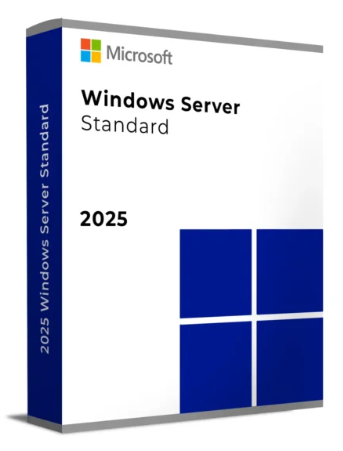
Microsoft Windows Server 2025 Standard 24-core
$ 98.42
Soin matifiant sébo-réducteur et hydratant longue-durée des peaux grasses et brillantes.
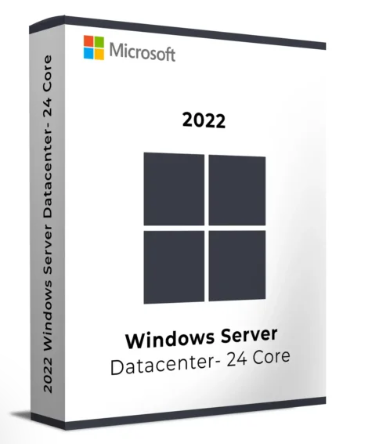
Microsoft Windows Server 2022 Datacenter 24-core
$ 90.00
Soin nuit correcteur anti-imperfections et anti-marques des peaux adultes à imperfections
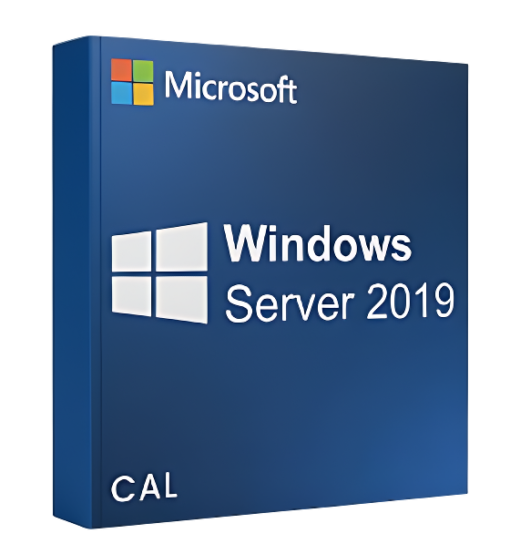
Microsoft Windows Server 2019 CAL User
$ 20.70
Cleanance Gel nettoyant est spécialement formulé pour assurer une hygiène quotidienne efficace des peaux sensibles grasses, sujettes aux imperfections ou à tendance acnéique, aussi bien pour le visage que pour le corps. Sa texture gel offre une action nettoyante profonde, purifiante et matifiante, aidant à éliminer les impuretés tout en régulant l’excès de sébum. Ce gel laisse la peau propre, fraîche et parfaitement préparée pour les soins suivants.
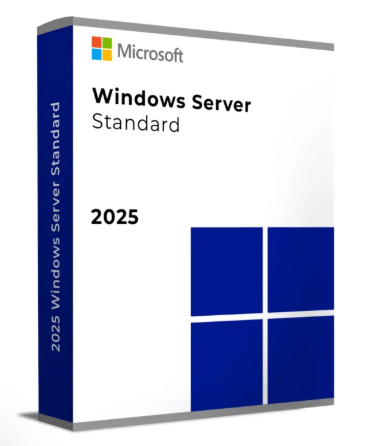
Microsoft Windows Server 2025 Standard 16-Core
$ 97.20
HYSÉAC Gel Nettoyant élimine impuretés et excès de sébum, tout en respectant parfaitement l’épiderme. Sa haute rinçabilité, son aspect moussant au contact de l’eau et son léger parfum caractéristique de la gamme Hyséac en font un produit très agréable à utiliser au quotidien. La peau est plus nette, plus saine, plus fraîche.