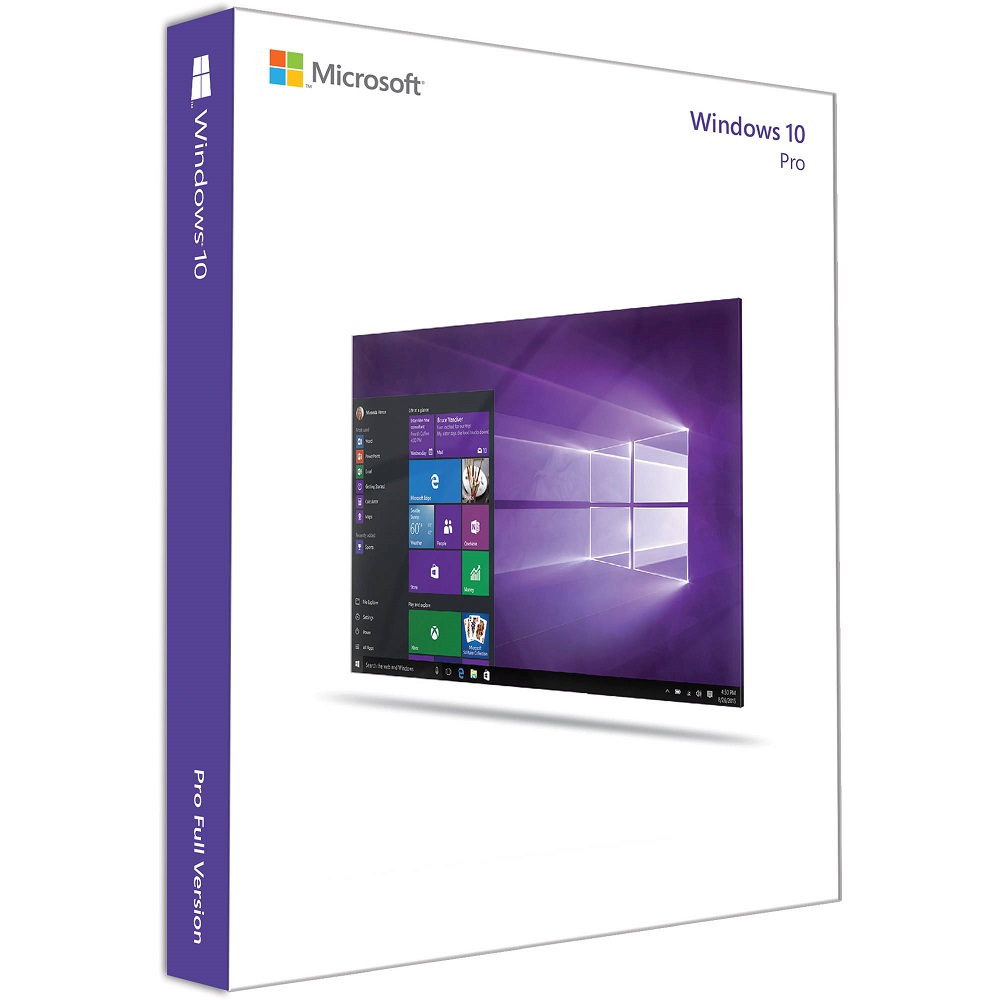
Windows 10 Pro Retail Key 32 64 BIT Version
... les gens regardent ça en ce moment
Product Description Windows 10 Pro Retail Key 32 64 BIT Version Introduction The W-10 Pro is a versatile operating system (OS) developed by Microsoft, tailored to meet the needs of business professionals and advanced users alike. As a retail version, it offers flexibility in installation and usage, independent of specific hardware configurations. This comprehensive description delves into the features, benefits, system requirements, and installation process of W-10 Pro Retal, aiming to provide an in-depth understanding of its capabilities. Key Features of Windows 10 Pro Retail Enhanced User Interface: Most of W-10 Pro Retail features a user-friendly interface that combines the familiarity of Windows 7 with the modern touch of Windows 8. The Start Menu is back, offering a customizable space for quick access to apps, settings, and notifications. Live Tiles provide real-time updates for apps pinned to the Start Menu, enhancing productivity and usability. Compatibility and Integration: Designed to be compatible with a wide range of hardware devices, W-10 Pro Retail ensures seamless integration across desktops, laptops, tablets, and even hybrid devices. It supports both traditional input methods (keyboard and mouse) and touchscreens, adapting to diverse user preferences and workflows. Enhanced Security Features: Security is paramount in this operating system, with features such as Windows Defender Antivirus, which provides real-time protection against viruses, malware, and phishing attacks. BitLocker encryption safeguards sensitive data, ensuring that information remains secure even if a device is lost or stolen. Productivity Tools: The operating system includes a suite of productivity tools designed to streamline workflows and enhance efficiency. Microsoft Edge, the default web browser, offers improved performance, security, and compatibility with modern web standards. Cortana, the virtual assistant, helps users manage tasks, set reminders, and find information quickly. Business-oriented Features: Built with businesses in mind, Windows 10 Pro Retail includes features like Domain Join, which allows devices to connect to a corporate network. Group Policy Management enables administrators to configure and manage settings across multiple devices, ensuring consistency and compliance with organizational policies. Continuum: Continuum is a unique feature that seamlessly transitions between desktop and tablet modes based on the device’s form factor. This flexibility allows users to switch between touch-friendly and keyboard/mouse-friendly interfaces effortlessly, optimizing productivity in different scenarios. Virtual Desktops: Virtual desktops provide a convenient way to organize and manage open windows and applications. Users can create multiple desktops, each with its own set of apps and tasks, helping to reduce clutter and improve focus during multitasking. Windows Store: The Windows Store in Windows 10 Pro Retail offers a wide range of apps, games, and entertainment options. Universal Windows Platform (UWP) apps are designed to run across all Windows 10 devices, providing a consistent experience regardless of form factor. Benefits of Choosing Flexibility: The operating system can be installed on any compatible device, providing flexibility and freedom from hardware restrictions typically associated with OEM versions. Users have the freedom to upgrade existing devices or build new ones without being tied to specific vendors. Security: With built-in security features such as Windows Defender Antivirus, BitLocker encryption, and Windows Hello biometric authentication, Windows 10 Pro Retail ensures that devices and data are protected against a wide range of threats. Regular updates from Microsoft keep the OS secure and up-to-date. Productivity: The combination of a familiar interface, productivity tools like Cortana and Microsoft Edge, and features such as Virtual Desktops and Continuum enhances productivity for both individual users and organizations. The operating system designed to support efficient workflows and multitasking. Business Features: The W-10 Pro includes advanced features like Domain Join and Group Policy Management, which are essential for businesses looking to manage and secure their IT infrastructure effectively. These features enable centralized control and configuration of devices within an organization. Compatibility: Windows 10 Pro Retail ensures compatibility with a vast ecosystem of hardware devices, peripherals, and software applications. It supports legacy applications through compatibility modes and virtualization technologies, making it suitable for diverse user needs and enterprise environments. Installation Process of Windows 10 Pro Retail Installing Windows 10 Pro Retail involves several straightforward steps: Preparation: Ensure that your device meets the minimum system requirements for Windows 10 Pro Retail. Back up any important data before proceeding with the installation. Obtain Windows 10 Pro Retail Key: Purchase a genuine Windows 10 Pro Retail key from authorized retailers or Microsoft’s official website. The key will be required during installation to activate the OS. Create Installation Media: Download the Windows 10 Pro installation media from Microsoft’s website or create a bootable USB drive using the Media Creation Tool. This tool helps in creating installation media (USB flash drive or DVD) that can be used to install or reinstall Windows 10 Pro. Install Windows 10 Pro: Insert the installation media (USB drive or DVD) into your device and restart it. Follow the on-screen instructions to boot from the installation media and begin the installation process. Select your language, time and currency format, and keyboard or input method. Set Up Windows 10 Pro: After installation is complete, customize your settings such as region, language preferences, account setup, and privacy settings. You can also choose to sign in with a Microsoft account for access to additional features and services. Install Drivers and Updates: Once Windows 10 Pro is installed, it’s recommended to install the latest drivers for your hardware components (graphics card, network adapter, etc.) and perform Windows Update to ensure that your system is up-to-date with the latest security patches and feature updates. Conclusion Windows 10 Pro Retail is a robust operating system that combines powerful features, enhanced security, and productivity tools to cater to the needs of business professionals and advanced users. With its flexibility, compatibility, and user-friendly interface, Windows 10 Pro Retail offers a versatile solution for both personal and business computing environments.
Produits Connexes
Microsoft Office 2019 Pro Plus Link
$ 22.53
La Cetaphil Crème Hydratante est spécialement conçue pour répondre aux besoins des peaux très sèches à sèches et sensibles. Cette crème riche et non grasse a été cliniquement prouvée pour fournir une hydratation intense et durable pendant 48 heures. Elle est formulée avec un mélange recommandé par les dermatologues, comprenant de la niacinamide (vitamine B3), du panthénol (pro-vitamine B5) et de la glycérine hydratante, afin d’améliorer la résilience des peaux sensibles.

Internet Download Manager 1 PC Lifetime License
$ 21.67
L’ANTI-PIGMENT Sérum Duo cible les déséquilibres pigmentaires en agissant sur la mélanine, le pigment naturel responsable de la coloration de la peau. Des facteurs tels que l’exposition au soleil, les fluctuations hormonales et le processus de vieillissement peuvent provoquer une surproduction de mélanine, entraînant ainsi des taches pigmentaires indésirables. Ce sérum vise à atténuer l’hyperpigmentation en régulant la production de mélanine et en favorisant un teint plus uniforme et lumineux.
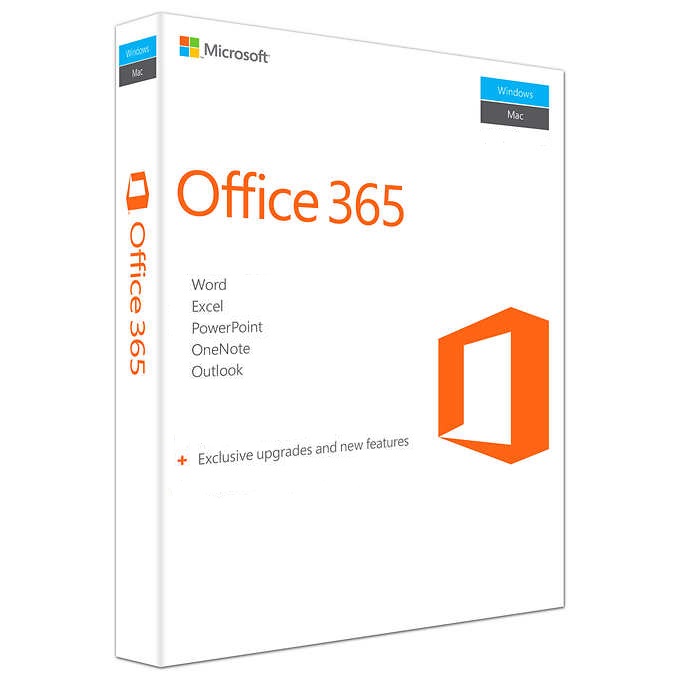
Microsoft Office 365 Enterprise – Account
$ 31.01
Nettoie en douceur et restaure le confort cutané des peaux desséchées et irritées par les traitements médicamenteux anti-acné.
Windows 10 Pro Retail Key 32 64 BIT Version
$ 23.57
Nourrit, hydrate* et protège votre peau des agressions extérieures.
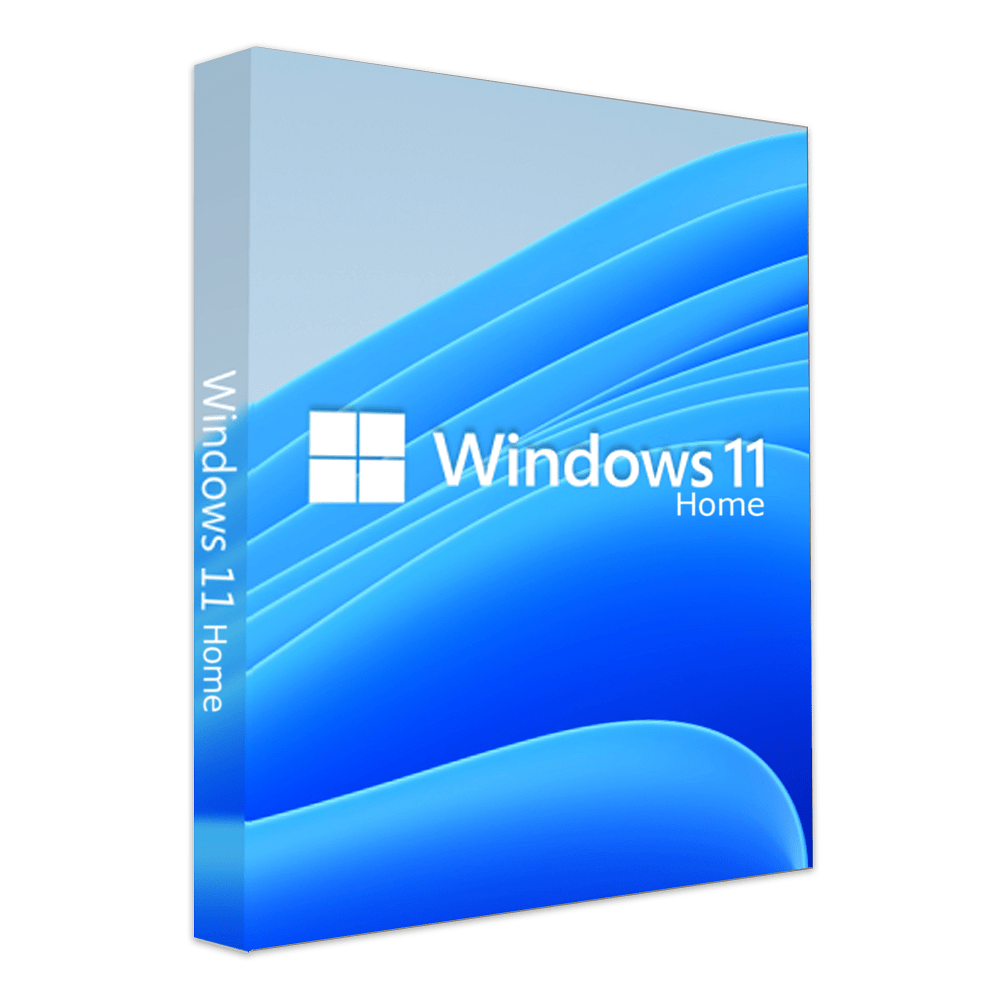
Windows 11 Home Key X Version
$ 47.04
Teen Derm Gel sensitive apporte à votre peau sensible une hygiène douce et parfaite grâce à l’action purifiante et apaisante de ses 5 actifs.
Windows 10 Home Key 64 BIT Version
$ 15.08
Démaquille, nettoie (même les particules de pollution) et apaise en un seul geste le visage, les yeux et les lèvres. Apporte douceur et fraîcheur en un geste simple et rapide.
Microsoft Office 365 Pro Plus – Account
$ 15.81
Soin apaisant relipidant qui restaure le confort cutané des peaux desséchées et irritées par un traitement médicamenteux anti-acnéique.
Microsoft Office 365 Live Plus – Account
$ 9.44
Soin matifiant sébo-réducteur et hydratant longue-durée des peaux grasses et brillantes.
Microsoft Office 2019 Pro Plus Link
$ 22.53
Soin nuit correcteur anti-imperfections et anti-marques des peaux adultes à imperfections
Internet Download Manager 1 PC Lifetime License
$ 21.67
Cleanance Gel nettoyant est spécialement formulé pour assurer une hygiène quotidienne efficace des peaux sensibles grasses, sujettes aux imperfections ou à tendance acnéique, aussi bien pour le visage que pour le corps. Sa texture gel offre une action nettoyante profonde, purifiante et matifiante, aidant à éliminer les impuretés tout en régulant l’excès de sébum. Ce gel laisse la peau propre, fraîche et parfaitement préparée pour les soins suivants.
Microsoft Office 365 Enterprise – Account
$ 31.01
HYSÉAC Gel Nettoyant élimine impuretés et excès de sébum, tout en respectant parfaitement l’épiderme. Sa haute rinçabilité, son aspect moussant au contact de l’eau et son léger parfum caractéristique de la gamme Hyséac en font un produit très agréable à utiliser au quotidien. La peau est plus nette, plus saine, plus fraîche.